
Resize & Convert Images Online — Free Image Resizer, Converter & Compressor

Resize & Convert Images Online

Resize JPG, PNG, WebP, AVIF, GIF, SVG and HEIC images — convert formats, crop, rotate, flip, compress, and batch process instantly. Free, private, right in your browser.

Can you tell the difference?

Drag the slider. Left is the original photo, right is the same photo compressed right in your browser — much smaller.
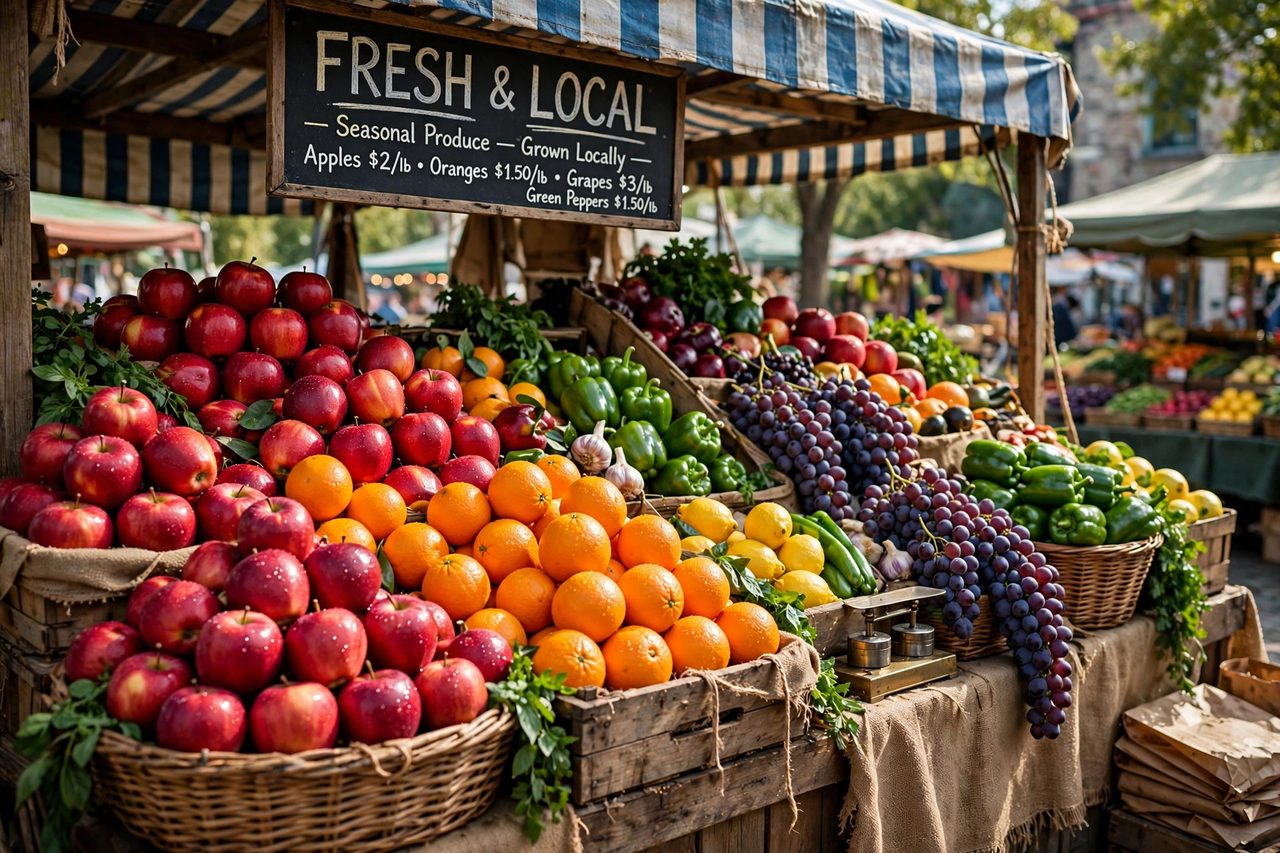
Original photo before compression Same photo after browser compression
Original · … Compressed · …
🖼️

Upload Image(s)

Drag & drop JPG, PNG, WebP, AVIF, GIF, SVG or HEIC files (Batch supported)

Drop, paste (Ctrl/Cmd+V), or select images.

How It Works Full Guide

1

Upload

Select single or multiple files.

2

Adjust

Customize dimensions & format.

3

Preview

Real-time client-side preview.

4

Download

Export individually or as ZIP.

Edited image preview
Upload an image to begin.

Batch Results

Image Settings

Image Fit

Resize and convert formats seamlessly.

Privacy Notice: EXIF metadata (GPS, camera info) is automatically stripped upon conversion for security and reduced file size. Animated GIFs are flattened to a single frame. AVIF uses a local WASM encoder (slower, often much smaller files).
Current rotation: 0°
Fine Straighten
0°
92%

Lower quality reduces file size. Applies to JPG and WebP.

Preview file size: —
Original file—
Estimated output—
Savings: —
Preparing...
Please wait0%
⚡

Web Worker Accelerated

Offloads heavy image processing and compression off the main UI thread for max speed.

📦

Batch Processing

Resize, convert, and compress multiple images simultaneously and download as a ZIP.

🔒

100% Private

Files are processed purely in local browser memory. Zero server uploads.

📄

PDF Tools

Turn images into a PDF, PDF pages into JPG/PNG/WebP, or merge PDFs — all in your browser. Open PDF Tools →

Every image tool, in one place

Each tool runs entirely in your browser — no uploads, no waiting rooms.

🗜️Compress ImagesShrink JPG, PNG, WebP, AVIF file sizes 🌐Convert to WebPModern format, smaller files 📦Batch ResizeResize many images, download as ZIP 📱HEIC to JPGConvert iPhone photos locally 📄PDF ToolsImages ↔ PDF, merge PDFs 📖Full GuideStep-by-step tutorials & tips

Privacy tools — protect what's in your photos

Hide faces, plates, addresses and location data before you share. Like everything here, these run 100% in your browser — your photos are never uploaded.

🛡️All Privacy ToolsThe full set, explained in one place 🖍️Redact ImageBlack out text, plates & secrets 🌫️Blur ImageBlur faces, names & sensitive areas 🔳Pixelate ImageMosaic-pixelate anything private 🧹Remove EXIFStrip GPS, camera & date metadata 😀Emoji Face CoverCover faces with emoji — fun & private

Learn How to Resize, Convert & Crop Like a Pro

Step-by-step tutorial with examples, tips for social media sizes, format comparison (JPG vs PNG vs WebP vs AVIF), and batch workflow.

Read the Complete Guide →

Frequently Asked Questions

Common answers regarding functionality and privacy.

Is JSM-Image.com completely free?

Yes, all single and batch editing features are 100% free with no hidden fees or sign-ups.

Are my images uploaded to any server?

No. Operations run entirely within your local browser memory via HTML5 Canvas and Web Workers.

Can I convert multiple HEIC files at once?

Yes. You can batch upload HEIC photos from iOS devices and convert them all directly into JPG, WebP, or AVIF.

Do animated GIFs keep their animation?

No. Editing runs through HTML5 Canvas, so animated GIFs are processed as a single static frame.

What is AVIF and why is it slower?

AVIF often produces files 40–50% smaller than JPEG at similar quality. Encoding runs locally via WebAssembly, which is slower than JPG or WebP but keeps processing private in your browser.

Browser compatibility: JSM-Image.com works best in current Chrome, Edge, Firefox, and Safari. HEIC/HEIF conversion and some features may depend on browser support and memory. Animated GIFs export as a single frame. AVIF export loads a WASM encoder on first use. New to image editing? See our how to resize, convert & crop guide.

Support the site

JSM-Image.com stays free. If it helps, you can buy a coffee.

☕ Buy me a coffee